
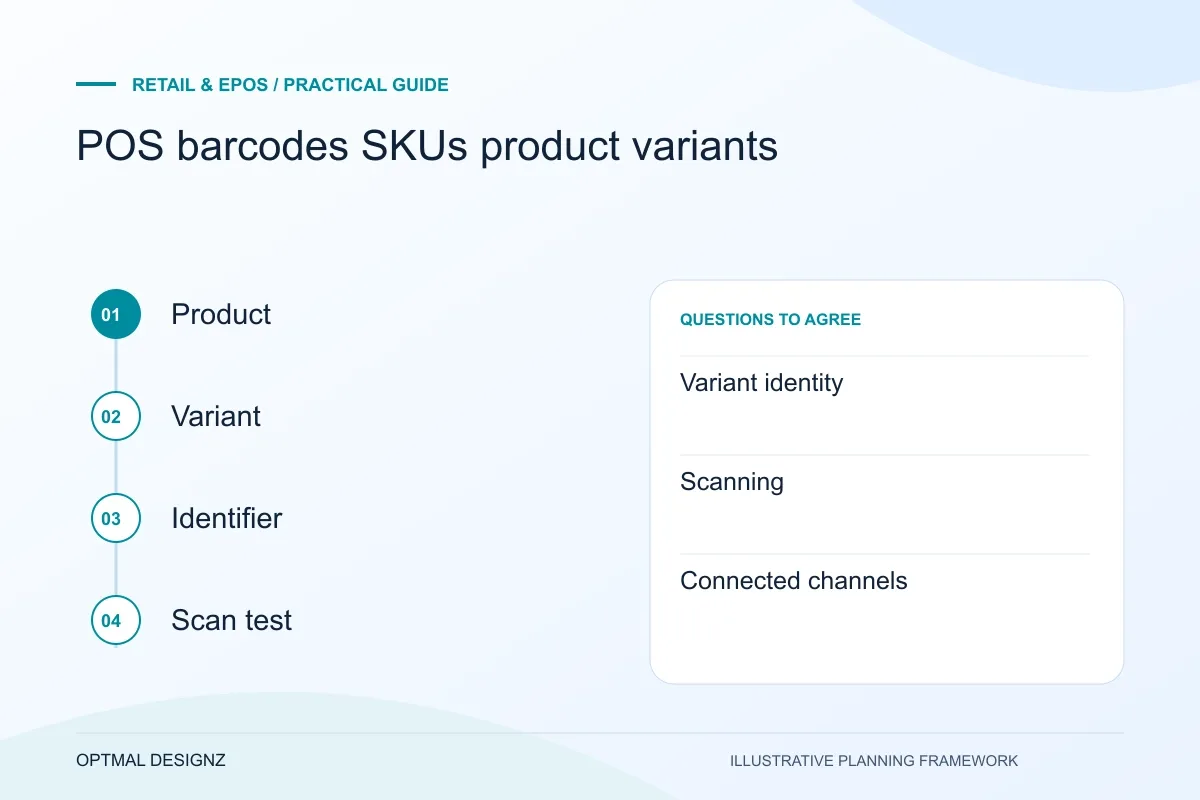
The decision this guide helps you make
A SKU identifies a stock-keeping item; a barcode is a scannable identifier that must map to the right record. Product variants and pack sizes need their own clear relationship to the quantity and price being sold.
Define product identifiers and variants consistently so scanning, sales, returns, stock and connected channels refer to the intended item.
Agree identifiers, units, variants, duplicate-code rules and label ownership. Test scanning, manual lookup, returns and pack conversion using actual product samples.
A practical example to test the choice
A single unit and a case of twelve may scan different codes. If both update stock by one without a unit rule, the quantity becomes unreliable.
This is an illustrative planning scenario, not a claim about a completed client project. Use your own records and operating rules to confirm whether the approach fits.
Give each identifier a clear job
A product name, an internal SKU and a scannable barcode are not interchangeable descriptions. Decide how the business distinguishes a product and each sellable variant, then record which identifier is used for stock, suppliers, scanning and external channels. Shopify’s guidance distinguishes SKUs from barcodes within its platform.
Avoid encoding every changing business detail into an identifier without considering maintenance. A code that depends on a current price or category can become awkward when that value changes. The chosen convention should remain understandable to the team and compatible with the intended systems.
Check the actual Oman store and payment setup
Inventory the till software, device models, printers, scanners and merchant account used by the Oman business. Separate a recorded sale from payment authorisation, settlement and finance reconciliation. A provider demonstration for another region does not establish availability or supported behaviour for the selected account.
For more than one location, agree stock ownership, transfers and permissions before combining reports. Use representative sales, returns and corrections to test OMR display and finance-approved receipt details. Offline behaviour must be established and tested for the actual devices, architecture and payment provider.
Define variants from what is sold and stocked
List the attributes that create separate sellable or stock-tracked items, such as size and colour. Check how the selected platform represents those combinations and how staff find them. Shopify documents variant-specific details, illustrating the need to review the actual product model rather than importing a catalogue blindly.
Use representative data, including two similar products and an unusual pack size. Check for missing or repeated identifiers across sources. A spreadsheet import that reports success can still leave staff scanning the wrong variant if the mapping or label production was misunderstood.
Test identifiers through sales and exceptions
Scan the item, select a quantity and complete the intended test sale. Then process a return or transfer and confirm that the same variant changes in stock. If online channels are connected, verify how their identifiers match instead of assuming an identical product name will be sufficient.
Assign a catalogue owner and rules for creating, changing and retiring items. Keep an export of approved mappings where useful. Catalogue consistency is an ongoing operating task; software cannot permanently compensate for uncontrolled duplicate records entering from several suppliers or branches.
Create an identifier mapping sample
Take a small but representative product set and show each variant’s name, internal identity, barcode and external-system identity where relevant. Mark which fields staff maintain and which come from a supplier. Test labels and scans using the sample before a full catalogue import. Keep ambiguous mappings separate for review instead of guessing. A stable sample can be reused when adding an online channel or another location to confirm that the same physical item is still represented consistently.
| Identifier question | Decision to document |
|---|---|
| Variant identity | Which exact sellable item does the code represent? |
| Scanning | Which label and supported scanner retrieve it? |
| Connected channels | How does the other system match the item? |
Worked example: a planning exercise
Hypothetical example: a shop sells the same shirt in three sizes but has imported one shared code for all sizes. A stock report cannot explain which size sold. The catalogue plan creates distinct variant identities and tests labels, returns and stock movements before enabling a new integration.
Your practical checklist
Use these checks to turn the discussion into decisions that can be assigned, tested and reviewed.
- Distinguish product names, internal SKUs and barcodes.
- Define which options create separate sellable variants.
- Check platform-supported fields and mapping requirements.
- Resolve ambiguous and duplicated identifiers before importing.
- Test scanning, returns and transfers for the exact variant.
- Name the owner of catalogue creation and correction rules.
Apply the checklist to your Oman project
For an Oman trading workflow, test an order at one location fulfilled from another, including a partial receipt or return. Confirm OMR precision, delivery coverage, connectivity assumptions and the supported provider interfaces using the business’s own accounts.
Use the example above to discuss pos barcodes skus product variants with the people who will use or approve the result. Ask a supplier to demonstrate the expected output, explain a failure case and identify what is excluded from the proposal.
Related services and next steps
Sources and further reading
Check source guidance directly, especially where platform details or requirements can change.