
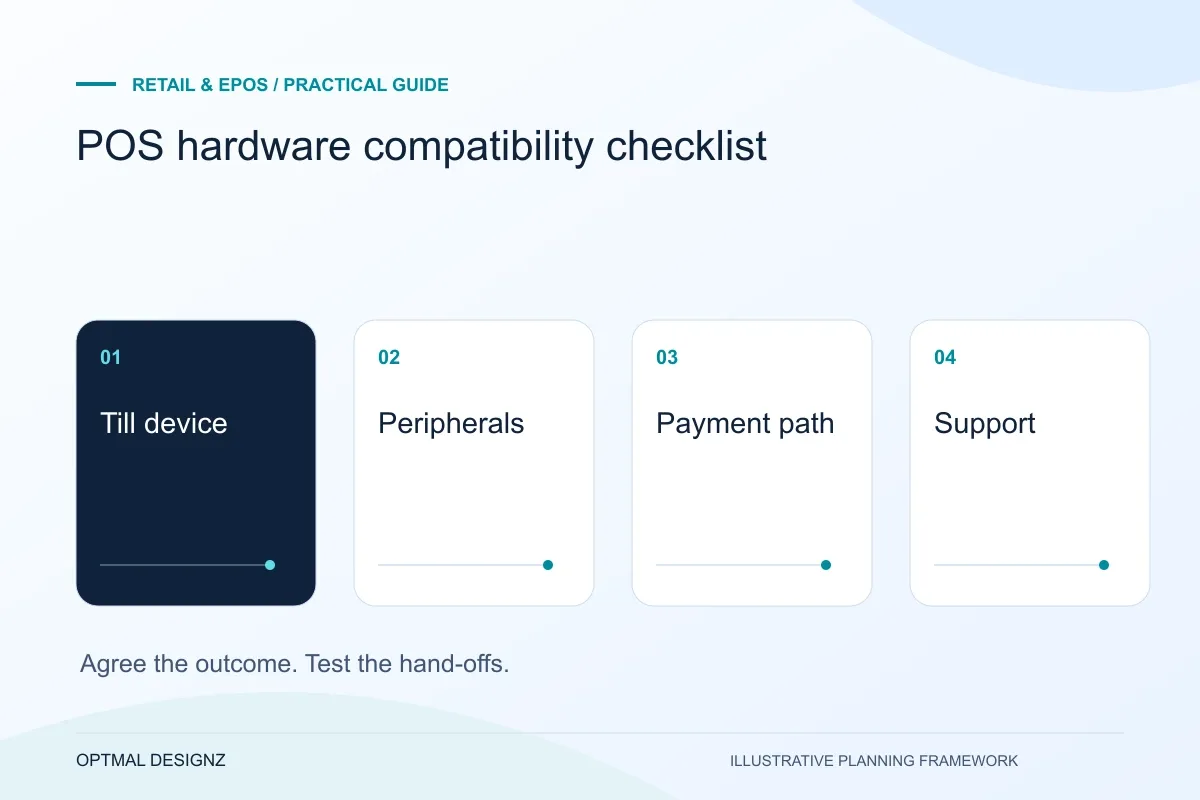
The decision this guide helps you make
POS hardware compatibility depends on the exact device, operating environment, payment provider and software interface. Confirm the actual models and supported workflow before committing to a till project.
Check exact device models, operating systems, printers, scanners, payment providers and support responsibilities before committing to a POS hardware setup.
Record device models, connectivity, drivers or SDKs, support ownership and representative test tasks. Do not assume a device is compatible because it connects by USB or Bluetooth.
A practical example to test the choice
A barcode scanner may enter a code but a payment terminal may require a provider-supported SDK and approval. Both are physical devices, but their integration requirements differ.
This is an illustrative planning scenario, not a claim about a completed client project. Use your own records and operating rules to confirm whether the approach fits.
Inventory the exact equipment, not just the brand
Record the model, operating system and connection type for each till, tablet, printer, scanner, drawer and payment terminal. Two devices from the same manufacturer can have different capabilities. Include hardware already owned as well as proposed purchases so the supplier can check the intended combination.
Write down the conditions in which staff work: fixed counter or mobile use, connection availability, power and printing locations. The technical list becomes more useful when it describes the task, such as scanning a product and printing a receipt at a particular counter, rather than merely naming a scanner.
Plan around the UAE store and provider estate
Record the exact till, scanner, printer, merchant account and software versions used by the UAE business. Separate payment authorisation, settlement and accounting reconciliation. A POS demonstration with a different device or country account does not establish that the required workflow is supported.
For branches across emirates, agree which records are central, which staff may make adjustments and what happens when connectivity fails. Obtain the actual provider’s documentation for refunds, offline behaviour and recovery. Scope language, AED display and finance-approved invoice fields without assuming that a payment or tax integration is available.
Test software, peripherals and payment as one workflow
Ask the POS supplier to confirm supported models against current documentation and the intended account configuration. Check accessories and any required interfaces too. Shopify’s troubleshooting guidance illustrates the importance of device and connection readiness within a specific product; other providers have their own supported arrangements.
Do not assume that a compatible receipt printer establishes payment-terminal compatibility or offline acceptance. Demonstrate the actual path from product selection to payment, receipt and stored transaction. Include reconnecting a peripheral and a failure during the task, using the supplier’s approved test process.
Make the responsibility for faults explicit
Agree who supports each part of the setup and how a staff member distinguishes an application problem from a payment-provider or peripheral issue. Confirm replacement arrangements and ongoing costs from current written terms. A single sale can depend on several suppliers even when the counter appears to contain one system.
Use a pilot setup before purchasing for every location. Record the verified combination and the software version used. Review that record when devices, operating systems or provider integrations change, rather than treating the initial compatibility check as permanent approval for every later configuration.
Keep a verified configuration register
Record the exact device and peripheral combination tested, the platform version and the supplier confirmation used. Include the counter task and the result of any reconnect or failure test. Treat a different scanner, operating system or payment integration as a change requiring review rather than an interchangeable purchase. The register also helps the support team identify whether a later fault concerns a tested setup or a new combination. It should contain model and configuration information, with credentials handled separately.
| Equipment group | Verification evidence |
|---|---|
| Till and operating system | Supported version and actual test setup |
| Printer, scanner and drawer | Connection method and successful counter task |
| Payment path | Supported provider arrangement and fault owner |
Worked example: a planning exercise
Hypothetical example: a retailer plans to reuse a printer described as wireless. The pilot shows that its supported connection differs from the new till’s requirements. The team checks the exact model and approved interface before ordering equipment for other branches, preventing a vague compatibility assumption from becoming a rollout dependency.
Your practical checklist
Use these checks to turn the discussion into decisions that can be assigned, tested and reviewed.
- Record exact models, versions and connection methods.
- Map equipment to the real counter or mobile task.
- Obtain provider confirmation for the intended combination.
- Test payment, printing and saved records together.
- Agree the owner for application, provider and hardware faults.
- Pilot before a multi-device or multi-location purchase.
Apply the checklist to your UAE project
For a UAE trading workflow, test a sale in one emirate and a return or stock request at another authorised location. Confirm the provider’s UAE edition, currency handling, branch permissions and required language support before accepting the connection.
Use the example above to discuss pos hardware compatibility checklist with the people who will use or approve the result. Ask a supplier to demonstrate the expected output, explain a failure case and identify what is excluded from the proposal.
Related services and next steps
Sources and further reading
Check source guidance directly, especially where platform details or requirements can change.