
The decision this guide helps you make
A restaurant POS workflow follows an order through entry, amendments, preparation, service and payment. Planning should include the exceptions staff face during service, not just the first successful sale.
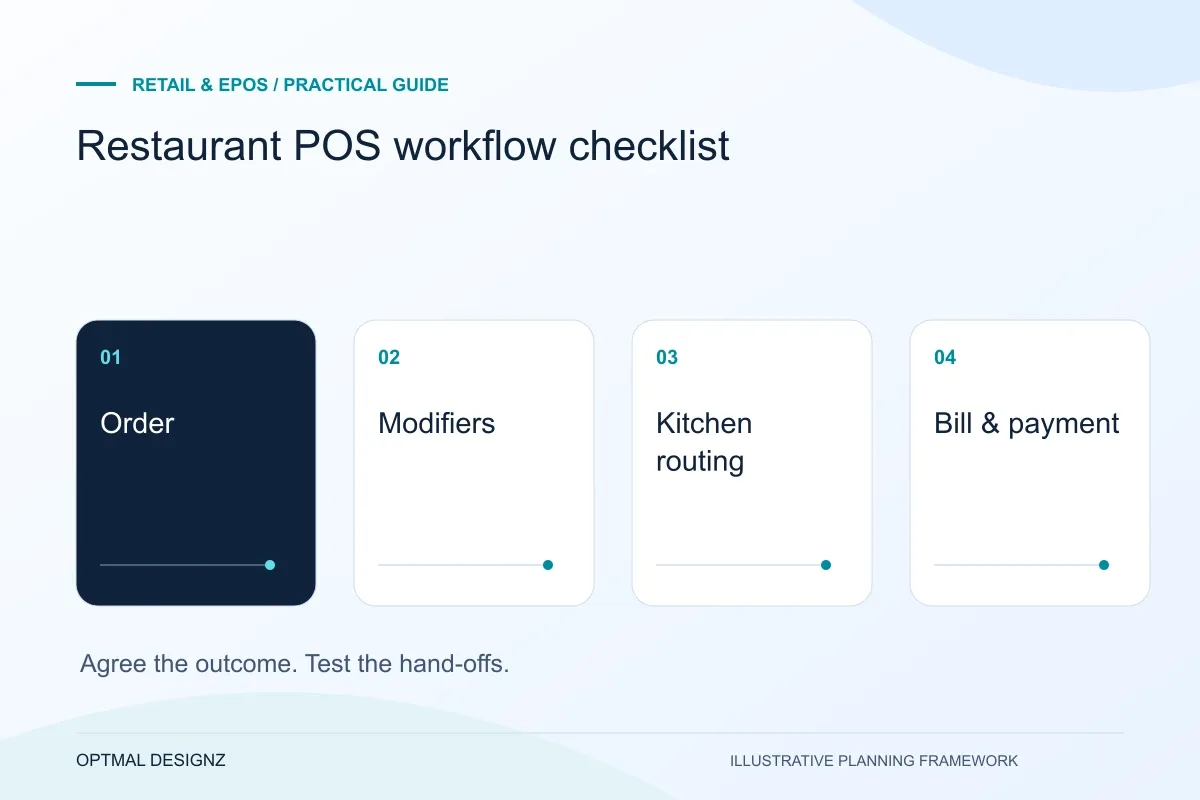
Map ordering, modifiers, kitchen routing, bill changes and payment hand-offs around your venue’s service model before choosing a restaurant POS setup.
Map menus and modifiers, order routing, cancellations, split payments and staff approvals. Test a representative busy-service journey on the selected hardware.
A practical example to test the choice
A table changes an item after preparation starts. The correct team needs the updated instruction, while the bill and any stock effect follow the agreed change rule.
This is an illustrative planning scenario, not a claim about a completed client project. Use your own records and operating rules to confirm whether the approach fits.
Describe the service model and its pressure points
A counter-service venue, a table-service restaurant and a bar can share product names while operating very different order journeys. Identify where orders are taken, who changes them and how staff communicate with preparation areas. Include collection or delivery channels only where they belong in the required scope.
Observe the exceptions during a representative service period: changed items, missing modifiers, cancelled orders, moved tables or questions about a bill. Those scenarios often expose the information staff need more clearly than a long list of generic POS features.
Plan around the UAE store and provider estate
Record the exact till, scanner, printer, merchant account and software versions used by the UAE business. Separate payment authorisation, settlement and accounting reconciliation. A POS demonstration with a different device or country account does not establish that the required workflow is supported.
For branches across emirates, agree which records are central, which staff may make adjustments and what happens when connectivity fails. Obtain the actual provider’s documentation for refunds, offline behaviour and recovery. Scope language, AED display and finance-approved invoice fields without assuming that a payment or tax integration is available.
Trace the order information seen by each team
If printing is part of the workflow, test the intended printer configuration and the information on a ticket. A customer-facing product name may not be the most useful kitchen label. Changes, cancellations and repeated sends need agreed handling so staff can distinguish a correction from another order.
Test billing and recovery with the same scenario
Follow the order through the supported payment and bill-change operations the venue needs. Include refunds and adjustments according to the approved business process. Confirm what staff should do when a device, printer or network connection becomes unavailable rather than improvising during busy service.
Pilot with the people taking orders and preparing them. Record whether each team received the right information and whether the final transaction is understandable in reporting. A screen that makes ordering fast is only part of the decision if the kitchen or closing process still needs manual reconstruction.
Create a service-scenario test card
Describe an order, the changes it undergoes and what every station should see. Include the bill result and the reporting record the venue expects afterwards. Ask order takers and preparation staff to review the same card so a convenient front-of-house shortcut does not create ambiguity in the kitchen. Test any print and display configuration that the scenario depends on. The card is a practical acceptance tool for the venue rather than a generic list of restaurant features.
| Service event | Result to demonstrate |
|---|---|
| Initial order | Correct items and modifiers reach the right station |
| Changed order | Correction is distinguishable from a repeated send |
| Bill and close | Supported payment result and understandable record |
Worked example: a planning exercise
Hypothetical example: a café routes drinks and food to separate stations. A customer changes a modifier after the order is sent. The pilot checks what each station sees, whether the correction is distinguishable and how the bill changes. It does not assume that a standard restaurant demo proves this venue’s exact hand-off.
Your practical checklist
Use these checks to turn the discussion into decisions that can be assigned, tested and reviewed.
- Map the venue’s ordering and service model.
- List meaningful order changes and exceptions.
- Agree station routing, modifiers and useful ticket information.
- Verify supported devices, printing and provider configuration.
- Test billing and outage handling through one complete scenario.
- Use staff feedback and closing records to accept the pilot.
Apply the checklist to your UAE project
For a UAE trading workflow, test a sale in one emirate and a return or stock request at another authorised location. Confirm the provider’s UAE edition, currency handling, branch permissions and required language support before accepting the connection.
Use the example above to discuss restaurant pos workflow checklist with the people who will use or approve the result. Ask a supplier to demonstrate the expected output, explain a failure case and identify what is excluded from the proposal.
Related services and next steps
Sources and further reading
Check source guidance directly, especially where platform details or requirements can change.