
The decision this guide helps you make
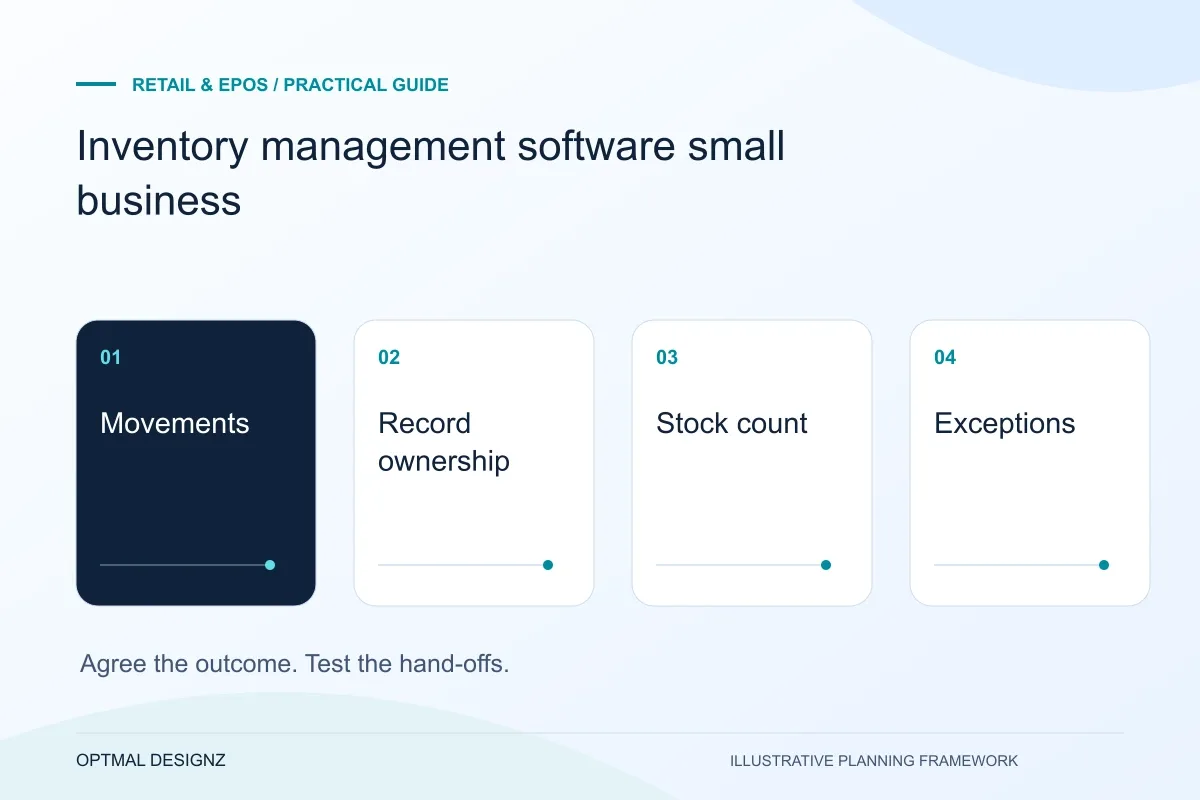
Inventory software should match the way goods are received, stored, reserved, moved, sold and counted. Select it by testing representative movements and reconciliation, not by comparing feature labels alone.
Choose around the way stock moves through your business, not a feature list alone. The right system should fit the channels, locations and controls you actually use.
Test real product variants, units, locations, returns and channel updates. Compare a configured platform, integration and tailored module against the same cases.
A practical example to test the choice
A system may show stock totals but fail to represent a partial transfer between warehouses. That can be a more important gap than a missing chart.
This is an illustrative planning scenario, not a claim about a completed client project. Use your own records and operating rules to confirm whether the approach fits.
Map stock from purchase to fulfilment
List the events that change stock: purchase orders, goods received, transfers, sales, reservations, returns, damages and counts. Decide how each event should update available quantity and who can correct a discrepancy. If these terms mean different things across teams, agree definitions before comparing systems.
A simple stock list may be enough for one location and a small range. Multiple warehouses, product variants, bundles, assemblies, wholesale orders or marketplace sales introduce more rules. Describe the hardest normal day your team has to handle, not only the easiest demo scenario.
Assess the actual Saudi till, payment and invoice setup
List the POS edition, terminals, printers, scanners and merchant accounts in use. Follow a sale through payment status, stock and finance reconciliation. A product demonstration does not establish support for a specific Saudi terminal, account or interface; obtain confirmation for the chosen setup.
Review invoice requirements with finance using current ZATCA materials, including any applicable FATOORA connection. Plan SAR amounts, returns, branch permissions and recovery when a connection fails. Test a complete sale and correction with representative staff before expanding to more stores.
Check channels, locations and integrations
If you sell online and in person, ask how orders reserve stock and how quickly changes appear across channels. Confirm what happens when two orders arrive close together, a payment is cancelled or a returned item needs inspection before it can be sold again.
Review connections to ecommerce, POS/EPOS, accounting, shipping and purchasing systems. Ask which records sync, in which direction, how identifiers are matched and what the integration does when a request fails. A connector’s existence does not automatically mean it supports your exact workflow or plan.
- Products, variants, bundles and SKU rules
- Locations, transfers and stock takes
- Order allocation, refunds and returns
- Reorder points, suppliers and purchasing
- Channel connections and sync behaviour
- Audit history, permissions and reports
Test the system with your own examples
Use a short trial or demonstration to walk through sample products and exceptions. Test receiving part of a delivery, transferring stock, selling the last unit, correcting a count and processing a return. Ask who can see the error and how the team recovers without creating duplicate records.
Check whether the interface fits the devices and environments staff use. Barcode scanning, mobile access, offline handling and role-based controls can matter more than advanced forecasting if the basic receiving and picking steps are cumbersome.
Plan migration and adoption
Before switching, clean product identifiers, units, locations and supplier records. Agree how opening quantities will be checked and who signs them off. Decide whether old history must be migrated or retained in a read-only system, and test a small sample before importing everything.
The system is only useful if teams maintain it. Assign process ownership, train users on common exceptions and schedule reviews of access, integrations and reorder rules. For a wider system design, compare the inventory management and retail software options already mapped for your organisation.
Use a count and a transfer as selection exercises
Demonstrate a physical count discrepancy and a movement between locations using representative products. Record what each location sees, who approves a correction and how the resulting availability is explained. Check the exact supplier features and account conditions rather than assuming every inventory product handles partially received or damaged goods in the same way.
Apply the checklist to your Saudi project
For a Saudi trading workflow, test sales, returns and branch permissions using the actual SAR, device and provider configuration. Review any invoice connection separately with the responsible finance specialists; a working till is not evidence of statutory approval.
Use the example above to discuss inventory management software small business with the people who will use or approve the result. Ask a supplier to demonstrate the expected output, explain a failure case and identify what is excluded from the proposal.
Related services and next steps
Sources and further reading
Check source guidance directly, especially where platform details or requirements can change.