
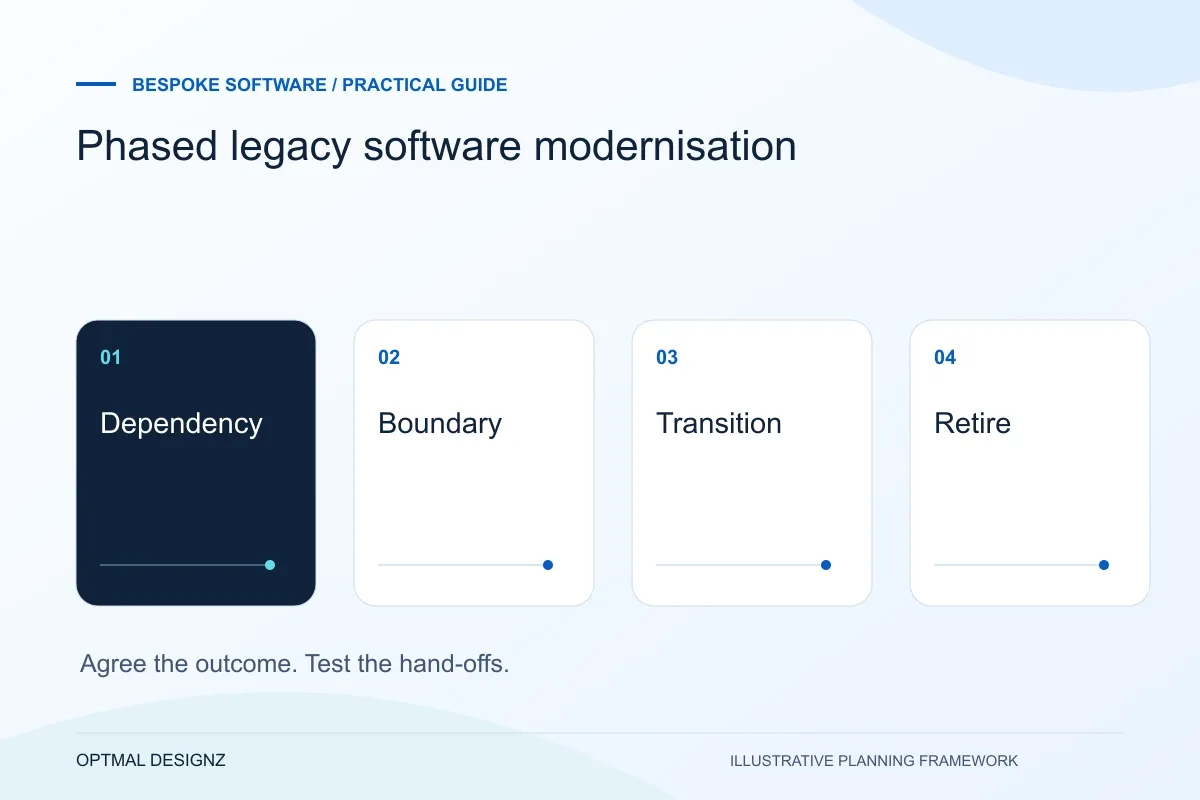
The decision this guide helps you make
Phased legacy modernisation improves or replaces a bounded part of an older system while essential operations continue. The aim is to reduce a specific constraint without assuming a complete rewrite is the safest first move.
Map critical dependencies, choose a replaceable workflow and plan data ownership, parallel checks and recovery before changing a system your team still needs.
Choose a limited workflow, reconcile its inputs and outputs and retain a recovery path. Replace more only when the first change is understood and accepted.
A practical example to test the choice
A business might add a supported order-status interface before replacing the full ordering application. That can improve one hand-off while the remaining dependencies are assessed.
This is an illustrative planning scenario, not a claim about a completed client project. Use your own records and operating rules to confirm whether the approach fits.
Identify what the old system still does well enough
A legacy system may be awkward to change while still holding essential records and business rules. Inventory the tasks, users, reports and connected tools that depend on it. Include scheduled jobs and file exports that staff may not recognise as integrations until they stop working.
Separate the reasons for change: support risk, operational frustration, missing capability or a constraint on growth. Those problems may call for different responses. A targeted improvement or connector can sometimes address a specific need while a broader replacement is investigated.
Turn the Saudi operating model into a practical scope
Follow one task across the people and applications involved. A Riyadh sales office may pass an order to a Dammam warehouse; a service business may need customer approvals before billing. Define which record proves each step is complete and who may change it. Compare configuration and targeted integration before deciding a new application is necessary.
Document legal entities, locations, SAR and other currencies, language fields and role permissions. Review permitted personal-data handling and hosting arrangements with the responsible business owners. Use authorised sample records to test the process before moving to live information.
Choose a boundary that can be changed safely
Microsoft describes the Strangler Fig pattern as gradually replacing pieces of functionality around a legacy system. It is an architectural option to assess, not a guarantee that every application can be divided cleanly. The first boundary needs a clear responsibility and a practical interface to the remaining system.
Agree where each record can be edited during the transition. Running old and new applications in parallel can create conflicting masters unless changes and reconciliation are designed explicitly. Test the available interface and sample data before treating the staged approach as an accepted delivery plan.
Plan acceptance and retirement together
For the first phase, identify tasks that demonstrate both the new workflow and continued operation of the old dependencies. Compare records and totals where appropriate, and define the signs that would require pausing or recovering the release. Give those decisions an owner before cutover.
Retirement involves more than switching off a screen. Review historical access, remaining jobs, supplier accounts, exports and documentation. Keep a record of which responsibilities have moved and which still remain, so later teams do not assume that the entire migration finished when the first module launched.
Draw a transition ownership map
For each phase, show the old and new components and mark the system that owns each record. Include the connections required during transition and the conditions for retiring them. Add a validation point and recovery decision for the next boundary being changed. This map should remain useful to operators who are not involved in development, particularly when an incident spans both systems. If nobody can identify the authoritative record during a phase, resolve that design gap before cutover.
| Transition question | Decision to document |
|---|---|
| Authority | Where is the record created and edited in this phase? |
| Validation | How are continued operations and migrated work checked? |
| Retirement | Which dependency remains before the old component stops? |
Worked example: a planning exercise
Hypothetical example: a distributor keeps its existing order engine while replacing a manual dispatch-status process. The new component owns dispatch updates, while orders remain authoritative in the original system. The pilot tests partial deliveries and failed updates before another workflow is considered for replacement.
Your practical checklist
Use these checks to turn the discussion into decisions that can be assigned, tested and reviewed.
- Inventory workflows, records, reports and hidden dependencies.
- State the business reason for each proposed change.
- Validate the first boundary and supported interface.
- Assign record ownership during any parallel operation.
- Define comparison checks, pause conditions and recovery.
- Track remaining dependencies and historical-access needs before retirement.
Apply the checklist to your Saudi project
For a Saudi software brief, specify Arabic/English users, business entities and the approved source of each record. Use representative permission and handover cases, with hosting, data handling and any sector-specific obligations reviewed by the responsible people.
Use the example above to discuss phased legacy software modernisation with the people who will use or approve the result. Ask a supplier to demonstrate the expected output, explain a failure case and identify what is excluded from the proposal.
Related services and next steps
Sources and further reading
Check source guidance directly, especially where platform details or requirements can change.