
Rules-based workflows
Trigger agreed assignments, validations and notifications from defined events and conditions.
AI and business automation reduces selected manual steps in a process. Rules can move predictable records and trigger tasks; AI can help interpret variable text or documents. We select the mechanism for the task and retain human review where an uncertain result could cause harm.
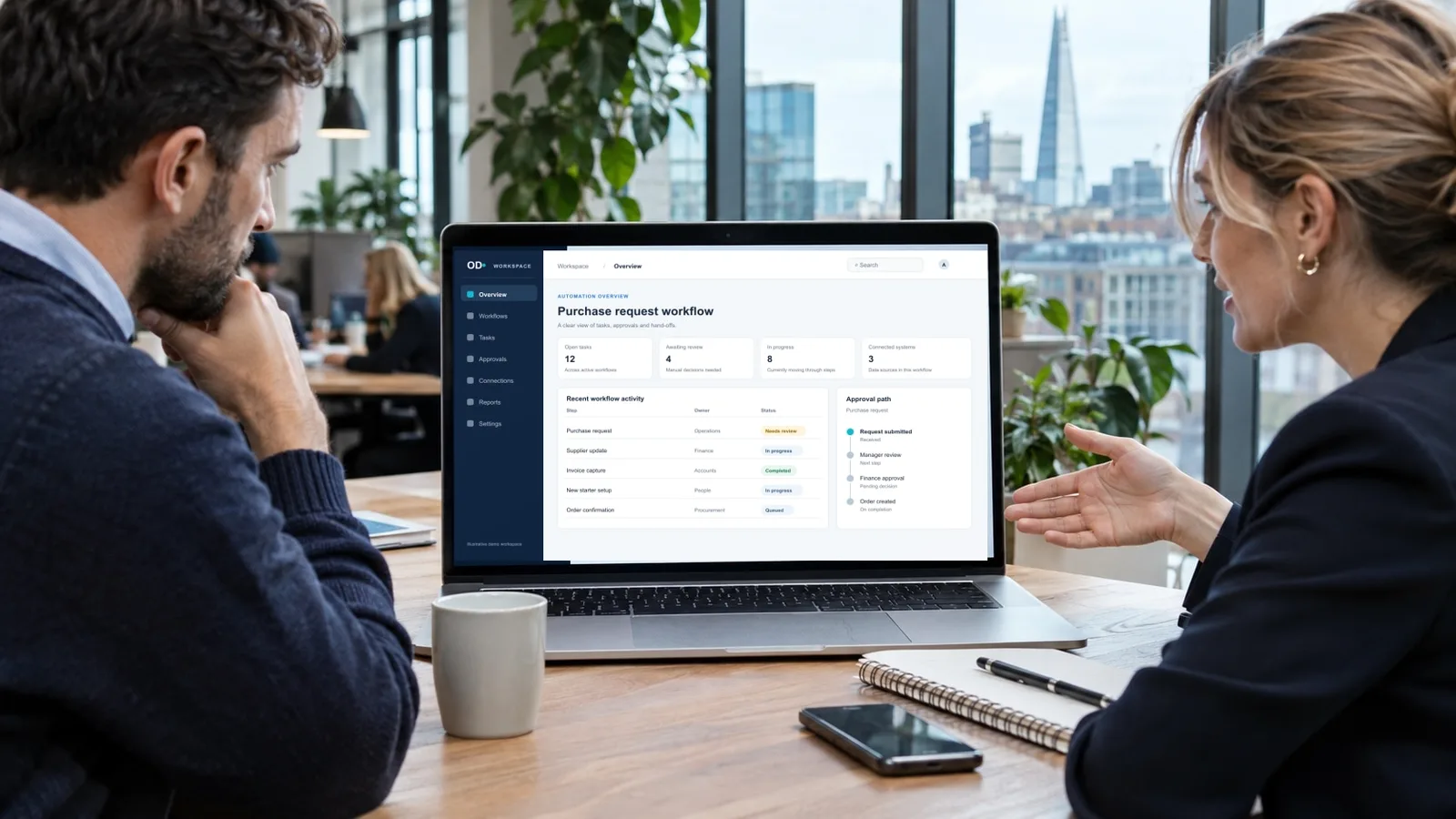
For teams repeatedly sorting requests, checking documents, copying data or chasing routine hand-offs, with a clear way to judge whether the automation works.
Trigger agreed assignments, validations and notifications from defined events and conditions.
Evaluate extraction or classification against authorised sample documents and expected results.
Use supported interfaces to prepare or update records within explicitly permitted operations.
Route uncertain inputs and consequential decisions to the responsible person instead of hiding them.
An incoming enquiry could be checked for required fields, assigned a proposed category and placed in the right queue; a staff member would review uncertain classifications before acting.
This describes a possible scope, not a claimed client result.A process map, chosen rules or AI approach, controlled pilot, measured acceptance checks and recovery instructions. Model usage, provider costs and ongoing monitoring are agreed separately.
Choose ordinary validation or workflow rules when the decision is stable. AI is useful only when interpretation adds value and the output can be evaluated and corrected.
For a UK automation pilot, choose authorised examples from the actual task and an accountable person to review uncertain results. Compare the proposed automation with a simpler rule or existing feature before giving it access to live records.
Optimal Designz is operated by Optimal Design Solutions SMC-PVT Ltd., registered in Pakistan. Delivery arrangements, supported languages, system compatibility and ongoing support are confirmed in the written scope; this country edition does not imply a local office.
Have a similar task in mind? Share your current tools, the people involved and one complete example.
Discuss this requirementSee the capabilities, workflows and delivery choices behind the service. Start with the work you need to complete.
Begin with the people, processes and systems involved. These details help define what the work needs to support.
We map the current workflow, volumes, inputs, decisions, exceptions and handoffs. This helps identify whether automation is likely to be useful and where human review should remain.
Choose a task with an identifiable input, owner and finish condition. Measure the current work, including review and correction effort, and list the exceptions. If a process is inconsistent, simplifying its rules may be a better first step than adding automation.

Potential use cases include moving data between systems, routing tasks, sending notifications, generating reports, processing structured forms and managing approvals.
Write out the trigger, validation, action and result for each stage. Include repeated requests, missing fields and absent approvers. The team should be able to see an incomplete run and know whether to correct, retry or refer it to a person.
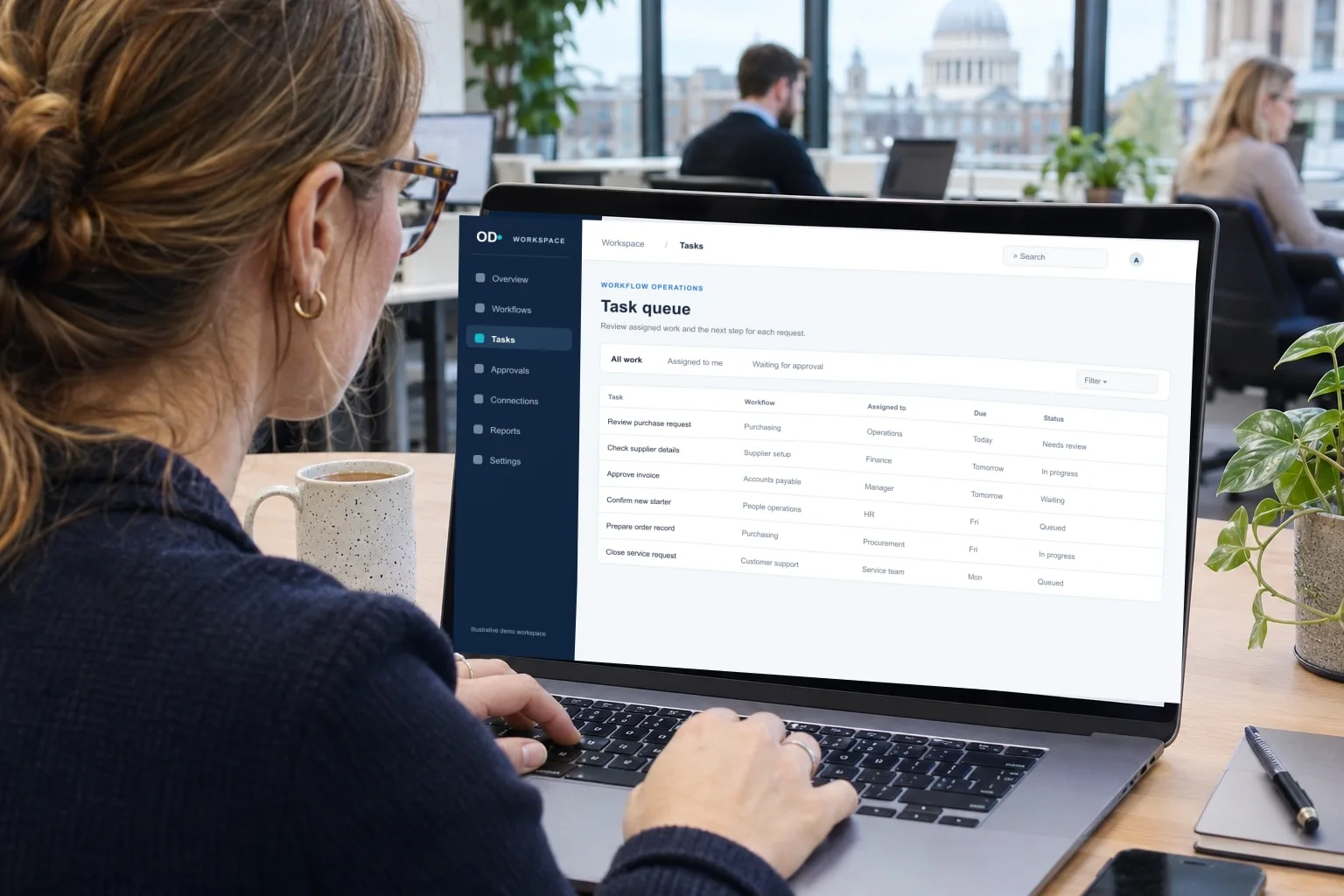
Where appropriate, AI may support document classification, information extraction, search, summarisation or assistance with internal knowledge. The use case should be tested for accuracy, privacy, reliability and user impact.
If AI is proposed, start with representative examples and define acceptable outputs with the users who review them. Compare it with a rules-based option. Account for uncertain results, review effort and the data the tool would receive before expanding beyond a controlled pilot.
Explore the design, functionality and connections that can make the service fit its day-to-day use.
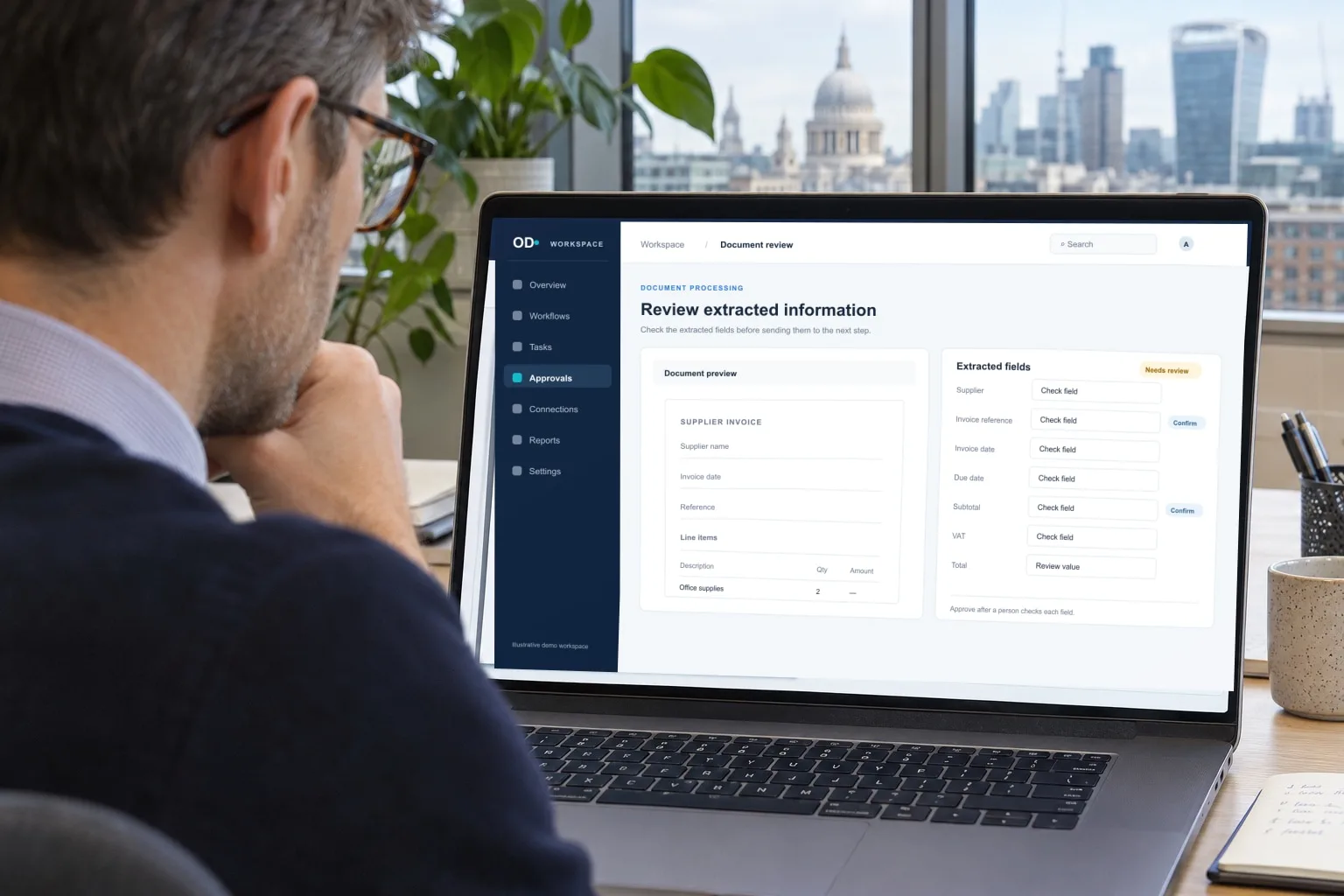
Automated processes need clear boundaries, exception handling, monitoring and escalation. AI outputs should be reviewed where errors could materially affect customers, operations or decisions.
Identify decisions that require approval and who can override or stop the workflow. Keep review actions visible and give rejected results a route back for correction. An automated result should not become an irreversible business action simply because a model returned an answer.
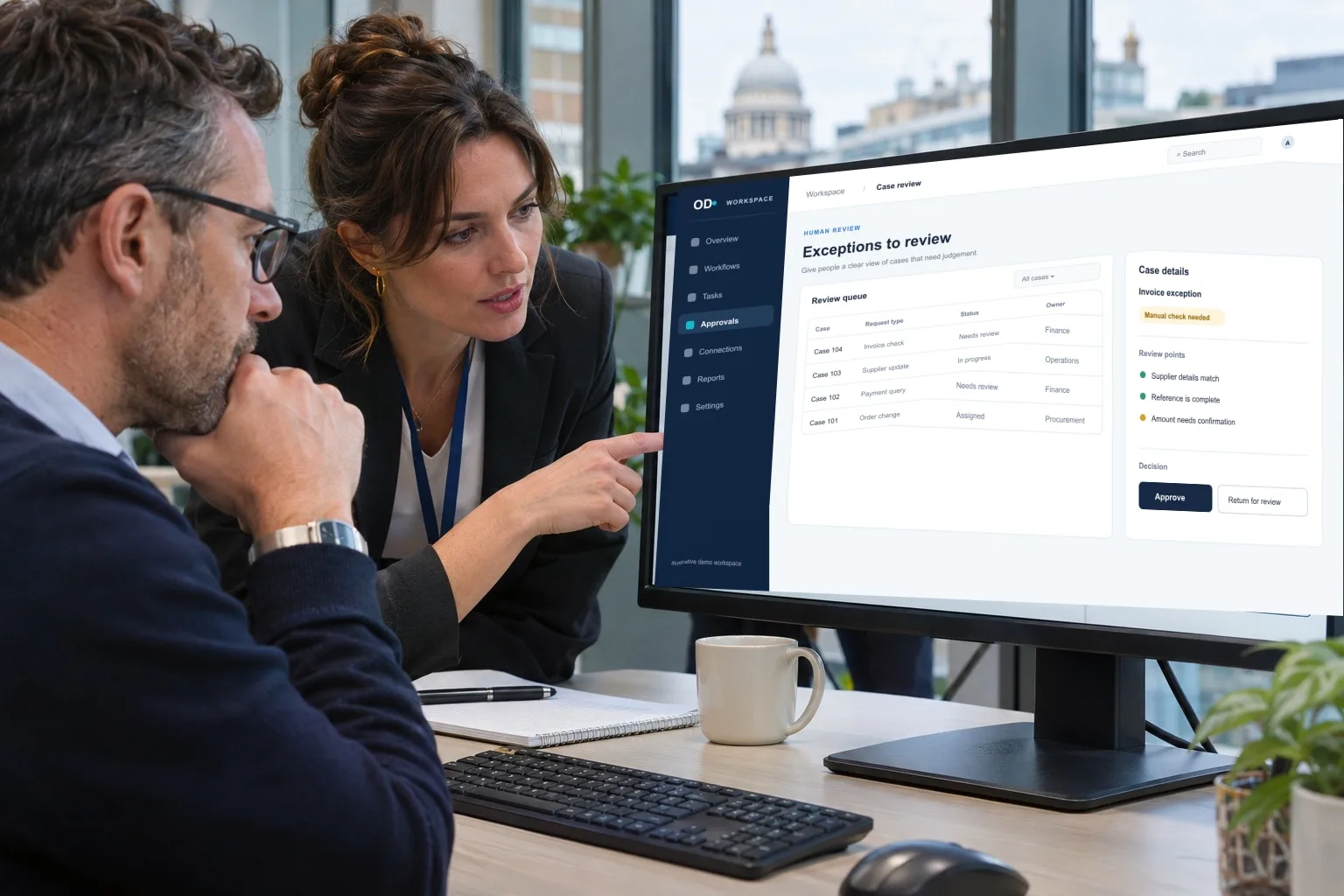
Automation depends on reliable data and accessible systems. We assess APIs, permissions, data quality and process ownership before defining the solution.
Confirm the available interfaces, record quality and permitted use of each data source. Establish the authoritative record and avoid copying information that the workflow does not need. Test failed connections and permissions before depending on them in daily work.

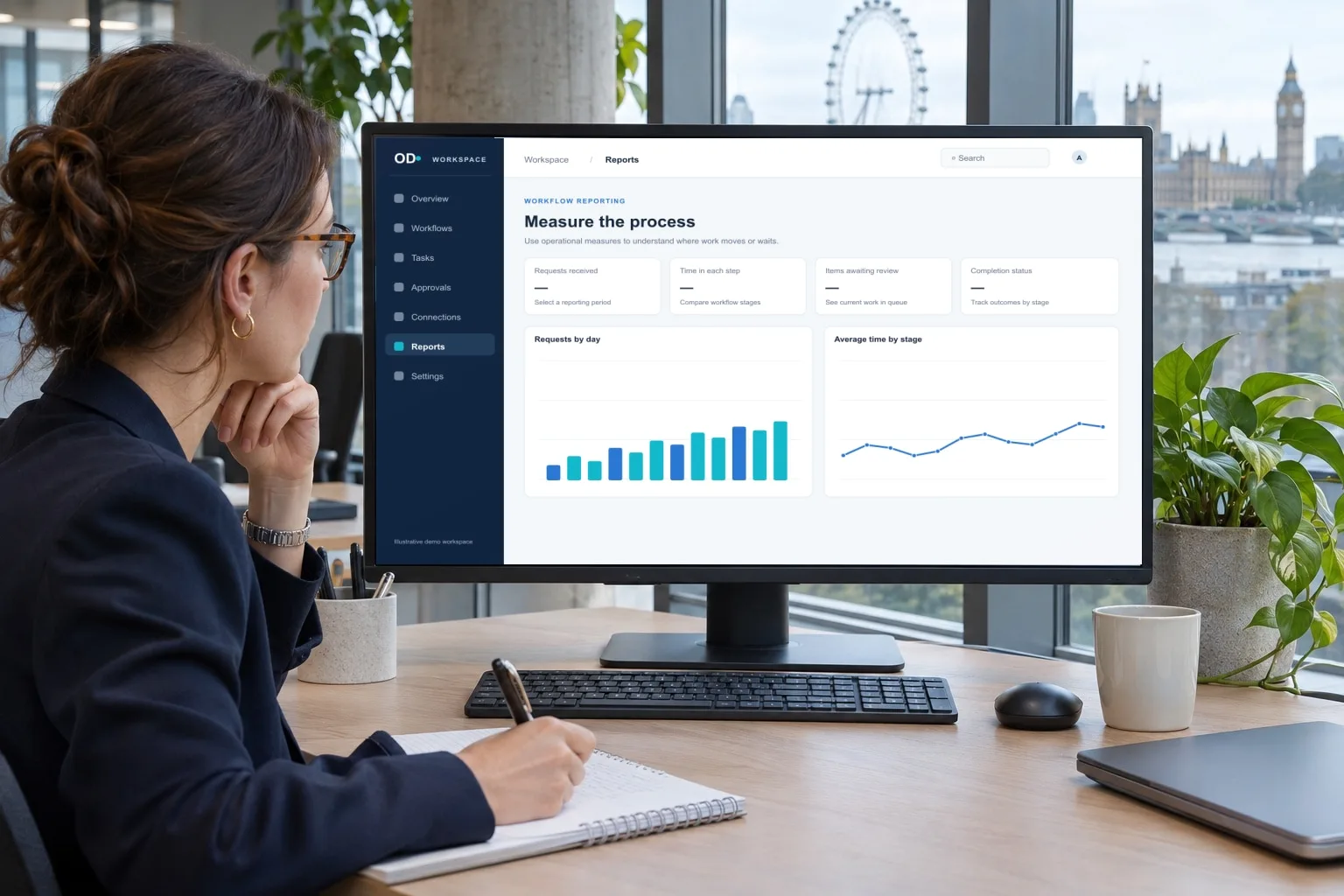
Before implementation, agree what to measure—such as processing time, error rates, backlog or completion rates. Do not promise savings or performance improvements without evidence.
Compare outcomes against the original process using the same types of tasks. Include time spent checking output, failed runs and correction effort. Agree the ongoing owner, review frequency and conditions for pausing or changing the automation.
Consider testing, handover and the next steps as part of a clear delivery plan.
Use explicit rules when document structure and decisions are stable: required fields, known identifiers and approval thresholds can often be checked predictably. Assess AI when inputs vary or interpretation is needed, with authorised examples and a way to review uncertain results.
Compare error rates, review effort and recovery for the actual task. Keep consequential approvals with authorised people. General workflow automation should not be confused with a ready-made design automation product or guaranteed extraction accuracy.
Explore the supporting detail after reviewing the capabilities and project choices.
Automation can help when a repeatable process has reliable inputs and clear exception handling. We map the work first, then assess whether rules, integration or carefully supervised AI would be a sensible fit.
Practical answers to help you compare options and prepare for a useful project conversation.
For teams repeatedly sorting requests, checking documents, copying data or chasing routine hand-offs, with a clear way to judge whether the automation works.
AI and business automation reduces selected manual steps in a process. Rules can move predictable records and trigger tasks; AI can help interpret variable text or documents. We select the mechanism for the task and retain human review where an uncertain result could cause harm.
It is the selective use of software to move work through defined steps with less manual handling. Useful starting points include routing enquiries, checking documents or escalating overdue tasks. First document the process and the exceptions people currently resolve.
Rule-based workflow automation follows defined instructions; AI may help classify, summarise or extract information where inputs vary. Both need monitoring, but AI outputs require particularly clear checks for accuracy and appropriate human oversight.
Examples include drafting a first response for review, extracting fields from routine documents or sorting service requests. Begin with a low-risk workflow and measure errors, time saved and the amount of human correction required.
Often, subject to the CRM’s interfaces and permissions. Specify which events trigger an action, how duplicate records are prevented and what happens if the connected application is temporarily unavailable.
Incorrect extraction, duplicate processing, missing context and unintended disclosure can cause harm. Set confidence thresholds where appropriate, preserve source records and use a person to review sensitive or consequential exceptions.
The main cost factors are authorised information, permitted tools, evaluation examples, human review and model usage. Compare a focused first release with a wider build, and separate development from hosting, provider licences, usage and support. Share one representative task and your current systems so the estimate can state deliverables, assumptions and exclusions.
No. A clearly written rule or basic system integration is often faster, cheaper and easier to audit. AI is worth exploring when the task genuinely involves variable language, documents or other ambiguous inputs.
Yes, and often they should. Automated approval workflows can prepare information and route tasks while keeping high-value or sensitive decisions with authorised people, with an audit record of each action.
Use real, permitted examples and deliberately include incomplete, conflicting and unusual cases. Evaluate accuracy, privacy, bias where relevant, fallback behaviour and the cost of correcting errors.
Yes. A stock rule can alert the right person when an item reaches an agreed threshold. The workflow should account for reserved, returned and incoming stock, and make clear which system owns the quantity.
Specify trigger conditions, success and failure paths, system access, data retention, monitoring, manual override, ongoing service fees and responsibility when outputs are wrong.
Record baseline time, rework, error rates and volumes before implementation. Review the new process after launch, including supervision costs and whether exceptions are handled more reliably.
Describe what triggers the task, the systems it uses, its approximate frequency and the decisions that need a person.
May we use Google Analytics to understand website visits and completed enquiries? It’s optional, and you can change your choice at any time.
Cookie information