
Availability rules
Represent service durations, working hours, buffers and staff or room requirements.
Booking software lets customers or staff choose a valid service and time, confirm the appointment and manage changes. We build availability rules around staff, locations, rooms, duration and preparation time so the calendar reflects the real capacity of the business.
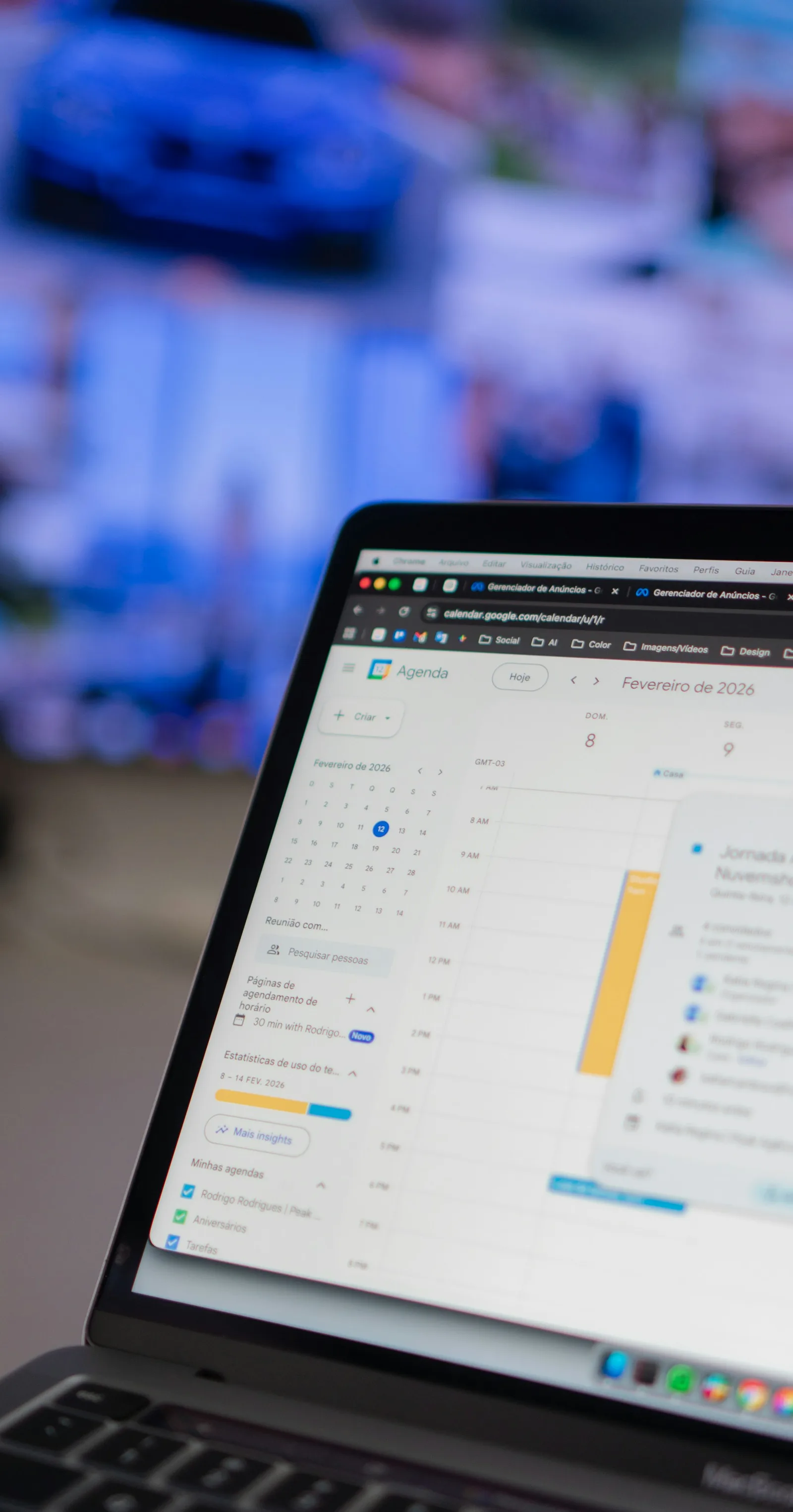
For appointment-led organisations that rely on phone calls, double-enter bookings or struggle with cancellations and resource conflicts.
Represent service durations, working hours, buffers and staff or room requirements.
Give users a clear choice, confirmation and supported route to change an appointment.
Show the schedule and allow authorised staff to handle exceptions.
Assess supported calendar, reminder and payment interfaces without assuming they all synchronise identically.
A clinic or training provider could show only slots where the required person and room are available, then free the correct capacity when the appointment is cancelled.
This describes a possible scope, not a claimed client result.An agreed service and resource model, booking and change journeys, selected connections and conflict/exception tests. Messaging charges and payment-provider behaviour are specified separately.
An established scheduling product may be sufficient. Custom booking software is useful when capacity, approvals or the surrounding workflow need more than standard settings.
For UK appointment or learner administration, identify the responsible staff, necessary information and the system that must retain the authoritative record. Include accessibility, changed appointments and restricted-user cases in acceptance testing.
Optimal Designz is operated by Optimal Design Solutions SMC-PVT Ltd., registered in Pakistan. Delivery arrangements, supported languages, system compatibility and ongoing support are confirmed in the written scope; this country edition does not imply a local office.
Have a similar task in mind? Share your current tools, the people involved and one complete example.
Discuss this requirementWe define scheduling rules, time zones, buffers, permissions, exceptions and integrations before designing the user journey.
Potential features include service and staff availability, appointment types, booking forms, reminders, cancellations, rescheduling, customer records, payments where applicable and calendar integrations.
Define what can be booked, how long it takes and any preparation buffers.
Reflect staff, rooms, equipment or other constraints that shape real availability.
Set the rules for changes, notice periods, staff overrides and released slots.
Plan confirmations and reminders that keep customers and teams informed.
Give staff appropriate control over schedules, exceptions and customer details.
Assess whether deposits or payment steps fit, and how calendars should connect.
We define scheduling rules, time zones, buffers, permissions, exceptions and integrations before designing the user journey.
Agree where information originates, which system can change it and how updates or failures are handled. A focused integration or configuration may be more suitable than replacing working tools.
We begin with discovery, process mapping and requirements. We then define scope and integrations, design the experience, develop in stages, validate workflows and plan handover. Where existing software already meets part of the need, we consider integration or configuration before proposing a full custom build.
Existing software, configuration and integration are considered alongside bespoke development.
Explore the supporting detail after reviewing the capabilities and project choices.
A booking system should make availability, scheduling and customer communication straightforward while fitting the team’s operating process. We help plan booking applications and integrations for service businesses.
Consider opening hours, staff skills, room capacity, buffers, cancellations, rescheduling, time zones and overbooking. Different services may require different durations or approval steps. These rules should be agreed before building calendars or sending reminders, since a visually simple booking form can hide a complicated scheduling system.
Decide what customers receive after booking, what happens if reminders fail and who can override an appointment. If the system connects to payments, staff calendars or a CRM, confirm which record is authoritative. Test double-booking, staff absence, cancelled sessions and interrupted payments rather than only the normal booking path.
Appointment booking software should show the right availability while accounting for staff, locations, service duration and preparation time. Appointment scheduling software must also explain cancellations, rescheduling and reminders clearly to the customer. Booking management systems need practical tools for staff who handle exceptions or phone enquiries. Online booking system development can be as simple as configuring a reliable existing service or as specialised as building a tailored workflow. Calendar integration services may be useful, but two-way updates and conflicting changes require careful testing. For booking system development UK, we describe a complete journey from slot selection through confirmation and any later change.
Practical answers to help you compare options and prepare for a useful project conversation.
For appointment-led organisations that rely on phone calls, double-enter bookings or struggle with cancellations and resource conflicts.
Booking software lets customers or staff choose a valid service and time, confirm the appointment and manage changes. We build availability rules around staff, locations, rooms, duration and preparation time so the calendar reflects the real capacity of the business.
It may involve availability rules, customer booking journeys, staff calendars, notifications, cancellations, payments and administration. The most important decisions concern how bookings are confirmed and changed.
A form collects a request; appointment scheduling software can validate availability and reserve a time. If staff must manually approve requests, the customer-facing wording should make that clear.
Yes, where rules are defined for staff, rooms, resources, time zones and location-specific services. Avoid promising availability before all necessary resources are checked.
Define cancellation windows, deposits, refunds, waiting lists and how released slots become available. Staff also need a way to correct exceptions.
Potentially, using supported integrations. Check how customer identities are matched and what happens after a payment fails or a booking is rescheduled.
Yes. Patient data, reminder content, access permissions and retention need appropriate review. A general booking feature should not be presented as automatically compliant with healthcare obligations.
Use consistent availability rules, temporary holds where needed and transactional updates. Test simultaneous users and failed requests rather than relying only on the calendar view.
Define the number of services, locations and user roles, plus payment rules, calendar connections, reminders, accessibility, data responsibilities and support arrangements.
Share the appointment types, staff or resources, current calendars and cancellation or payment rules you need to support.
May we use Google Analytics to understand website visits and completed enquiries? It’s optional, and you can change your choice at any time.
Cookie information