
The decision this guide helps you make
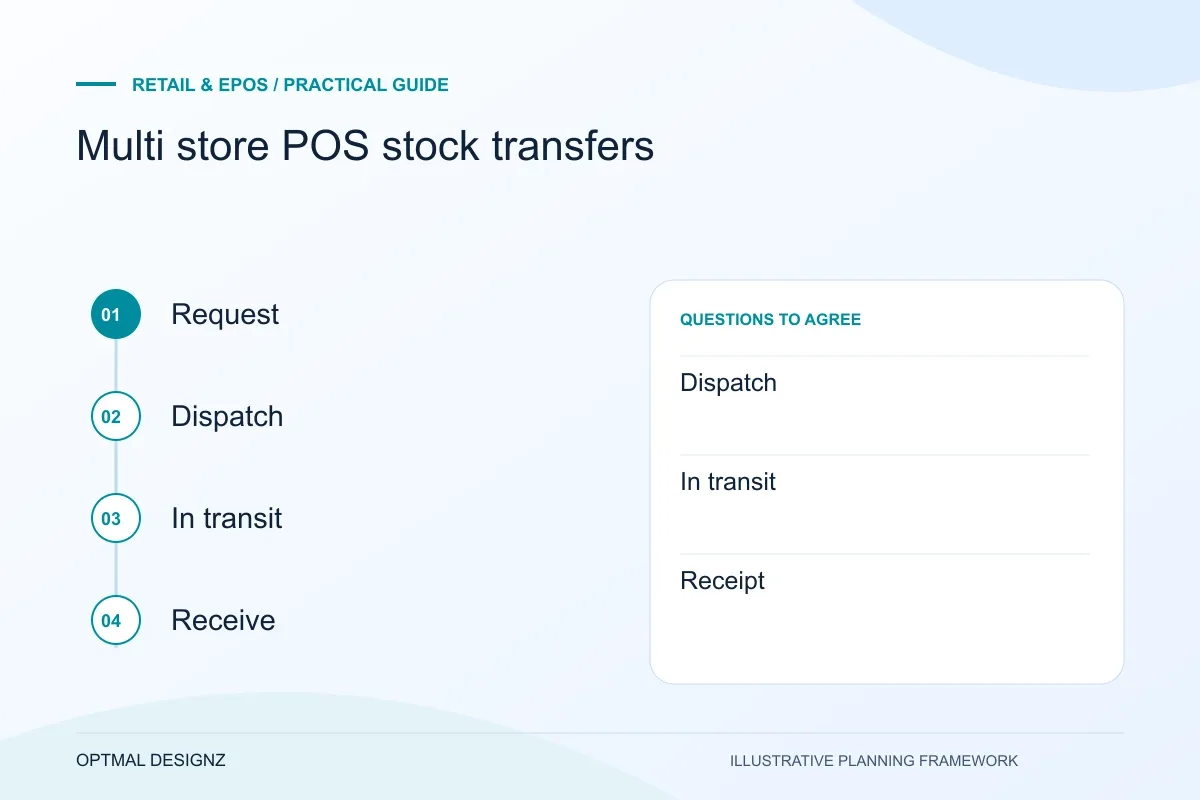
A stock transfer between stores needs separate request, dispatch, in-transit and receipt states. Treating it as one immediate stock change can make goods appear available in the wrong place.
Plan dispatch, in-transit stock, partial receipts and discrepancies so branch transfers do not become unexplained changes to inventory totals.
Agree stock ownership during transit, receiving permissions, partial transfers and correction rules. Test a difference and a cancelled request before rollout.
A practical example to test the choice
Store A dispatches five units but Store B receives four. The system should preserve the original request, actual receipt and unresolved difference for an authorised review.
This is an illustrative planning scenario, not a claim about a completed client project. Use your own records and operating rules to confirm whether the approach fits.
Treat a transfer as a workflow rather than two adjustments
A branch transfer needs an origin, destination, product identity, quantity and responsible people. Define when the stock stops being available at the sending branch and when it becomes sellable at the receiving one. A simple decrease in one location and increase in another may hide where the goods are between those events.
Clarify whether a transfer starts from a replenishment request, a central instruction or a local decision. Agree which roles can request, approve, dispatch and receive it. The workflow should also handle an item that is physically available but reserved for another order.
Plan incomplete and incorrect receipts
Include partial shipments, missing items, damaged goods, cancellations and an unexpected product. Shopify’s transfer documentation shows that its workflow distinguishes transfer and shipment states. Use the documentation for the actual platform to understand its behaviour, then test the business’s required exceptions.
Decide who can change a quantity after dispatch and how a discrepancy is investigated. Preserve enough history to explain the movement rather than overwriting the original request. Reports should distinguish goods waiting to be sent, goods travelling and goods received where the agreed system supports those states.
Test the shared view across locations
Ask staff at both ends to process a representative movement and compare what each branch sees. Check scanning, permissions and the effect on online availability if channels share inventory. Review delayed or repeated updates when another system also consumes transfer information.
Before rollout, reconcile opening location quantities and assign an owner for unresolved transfers. Include the tasks in branch guidance and the support procedure. A central report is only useful if the local actions that create its figures have clear and consistently applied rules.
Define a transfer-state record
For each movement, record the requested, dispatched and received quantities with the relevant owners. Agree how partial shipments and discrepancies are represented in the chosen system. Link a correction to its original movement so the stock owner can explain the resulting availability. This record can be a configuration requirement, an integration mapping or a test scenario, depending on the platform. Its purpose is to distinguish a physical event from a simple quantity edit and make unfinished movements visible.
| Transfer stage | Question to settle |
|---|---|
| Dispatch | When does origin availability change? |
| In transit | Where can staff see goods not yet received? |
| Receipt | Who approves a partial or damaged delivery? |
Worked example: a planning exercise
Hypothetical example: a branch dispatches twelve units, but the receiving team finds ten sellable items and two damaged ones. The transfer design records the receipt and discrepancy according to agreed rules rather than marking all twelve as available or silently changing the original request. The stock owner can then investigate the difference.
Your practical checklist
Use these checks to turn the discussion into decisions that can be assigned, tested and reviewed.
- Define origin, destination, product IDs and responsible roles.
- Agree availability before dispatch, in transit and on receipt.
- Test partial, damaged and unexpected receipts.
- Record how quantities are corrected without losing the explanation.
- Check the effect on other branches and online availability.
- Assign review ownership for incomplete or disputed transfers.
Apply the checklist to your UK project
Use the actual UK store, provider account and device models. Follow a sale, return and reconciliation through every affected system rather than relying on a generic till demonstration.
Use the example above to discuss multi store pos stock transfers with the people who will use or approve the result. Ask a supplier to demonstrate the expected output, explain a failure case and identify what is excluded from the proposal.
Related services and next steps
Sources and further reading
Check source guidance directly, especially where platform details or requirements can change.