
The decision this guide helps you make
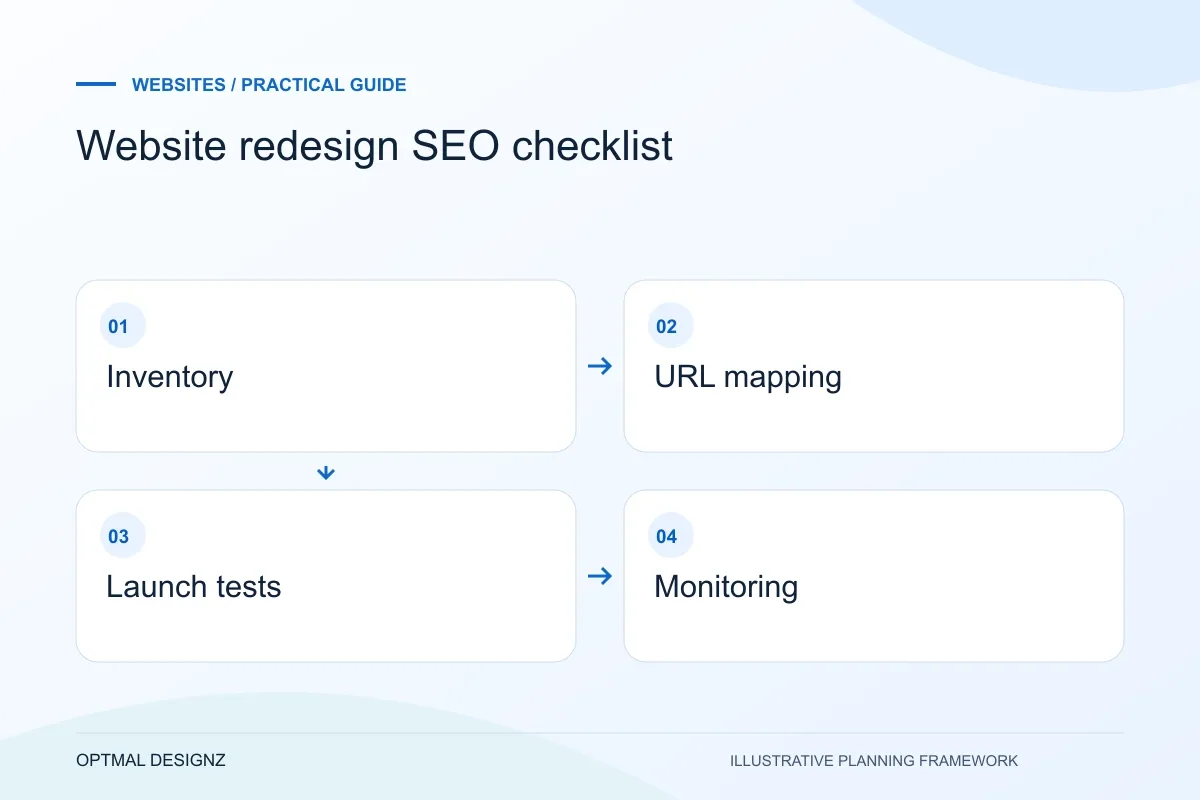
A website redesign SEO checklist protects useful URLs and search signals while layouts and content change. Inventory the existing pages, map any changed addresses and verify links, canonicals, redirects and enquiry journeys before and after launch.
A redesign changes more than the visual layer. Use this practical sequence to protect valuable URLs and content while improving the experience for visitors.
Keep valuable addresses, approve a redirect map where necessary and record the pre-launch baseline. Check production responses and Search Console after release.
A practical example to test the choice
A redesigned service page keeps its current URL and core intent while improving the explanation. A removed duplicate redirects only to its closest useful replacement, not automatically to the homepage.
This is an illustrative planning scenario, not a claim about a completed client project. Use your own records and operating rules to confirm whether the approach fits.
Start with what already works
Before changing layouts or navigation, make an inventory of the current site. Record the URLs that receive visits, enquiries, links or impressions, then note what each page helps a visitor do. Analytics and Search Console can reveal patterns, but they need a human review: a low-traffic page may still answer an important customer question or support a sales conversation.
Mark pages to keep, combine, rewrite or retire. For every proposed removal, identify the closest useful destination. Redirecting every old URL to the new homepage is rarely a good substitute for a relevant page; it can confuse people and search engines alike.
Map the new structure before development
Create a URL mapping that pairs each existing address with its intended new address. Keep URLs where there is no strong reason to change them. When a change is necessary, use a permanent redirect to the closest equivalent and avoid chains where one old address redirects through several intermediate URLs.
Review page titles, headings, canonical URLs, internal links, image descriptions, structured data and XML sitemap entries as one system. A page that looks finished can still be difficult to discover if links point to old routes or the sitemap lists removed pages.
- Crawl and export the current URLs.
- Record analytics and search performance before changes.
- Approve a one-to-one redirect map for changed pages.
- Check internal links, canonicals and sitemap destinations.
Test the new site before launch
Use a staging environment to check the important user journeys on mobile and desktop. Test navigation, forms, calls to action, search, downloads and any ecommerce or account flows. Confirm that analytics events still fire and that consent settings behave as intended. Accessibility checks should include keyboard operation, visible focus, readable contrast and useful labels.
Google’s site-move guidance recommends preparing the new site, mapping URLs and using redirects when URLs change. It also advises monitoring the move after launch; rankings and crawl patterns can take time to settle, so compare against the baseline rather than judging the redesign from a single day.
Monitor the launch as a change, not a finish line
On launch day, verify redirects, status codes, canonical tags, robots directives and the XML sitemap on the production domain. Then watch Search Console, analytics, server logs and enquiry quality for unexpected drops or errors. Fix broken routes and missing content promptly, and keep a record of what changed so the team can trace issues.
A redesign succeeds when people can understand the offer and complete their tasks, while the site remains maintainable. Search visibility is one measure to protect; it should sit alongside usability, performance, accessibility and the quality of enquiries.
Migration checks before the switch
Keep an explicit record of changed URLs, redirect destinations and the pages that must remain discoverable. Pair the technical checks with a customer task, including an enquiry or purchase. After launch, compare the actual behaviour with the intended map and review unexpected missing pages rather than assuming a successful deployment completes the migration.
Apply the checklist to your UK project
Use a UK visitor’s complete enquiry or purchase as the acceptance task. Confirm who prepares the content, which existing URLs carry useful search visibility and how staff receive the result.
Use the example above to discuss website redesign seo checklist with the people who will use or approve the result. Ask a supplier to demonstrate the expected output, explain a failure case and identify what is excluded from the proposal.
Related services and next steps
Sources and further reading
Check source guidance directly, especially where platform details or requirements can change.